2nd Gen RX-7 FC CPU Repair Guide:
So. You think your CPU is bunk?
The FC (and FD, but this doesn't cover that) RX-7s are lovely cars, but also are known for electrical gremlins. One notorious problem involves the "CPU", which is a primitive body computer that handles things like turn signals, interior lamps and the horn. These fail due to two things: cold solder joints, and a terribly designed connector. I'll show you how to fix both in this guide from start to finish.
The CPU removal process is actually pretty simple. Basically, it's held in by a single bolt and three connectors. Here's how you get at them.
Step 1: Remove the driver's kick panel and pull out the CPU
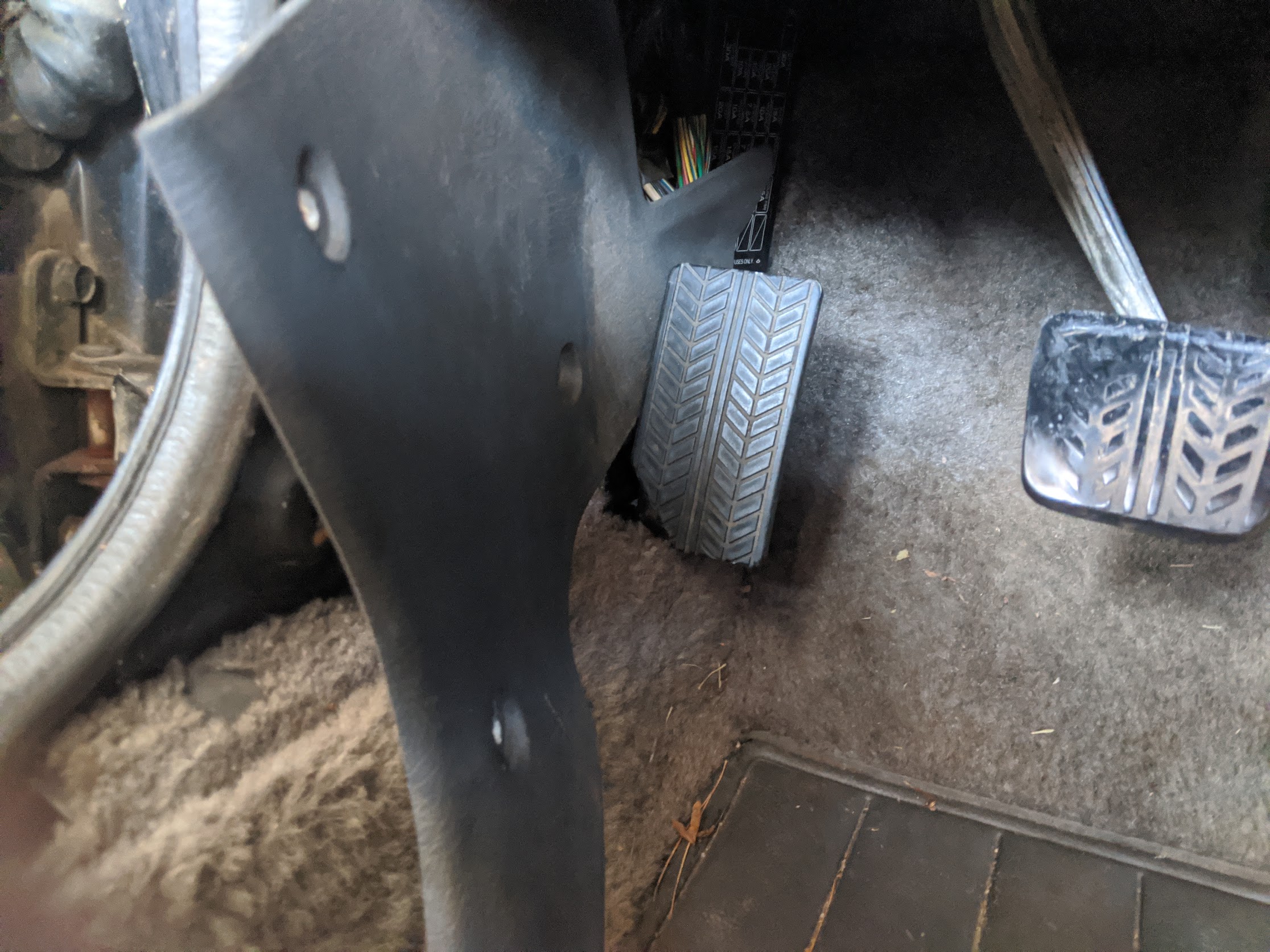
First, remove the door jam (held in by screws). The kick panel is held in by three Christmas tree fasteners. These are a pain to get out. I basically just grabbed it with needle nose pliers and pulled hard.
Next, remove the top bolt holding the CPU in place, and remove all three connectors. Two at the bottom, and one in the middle.
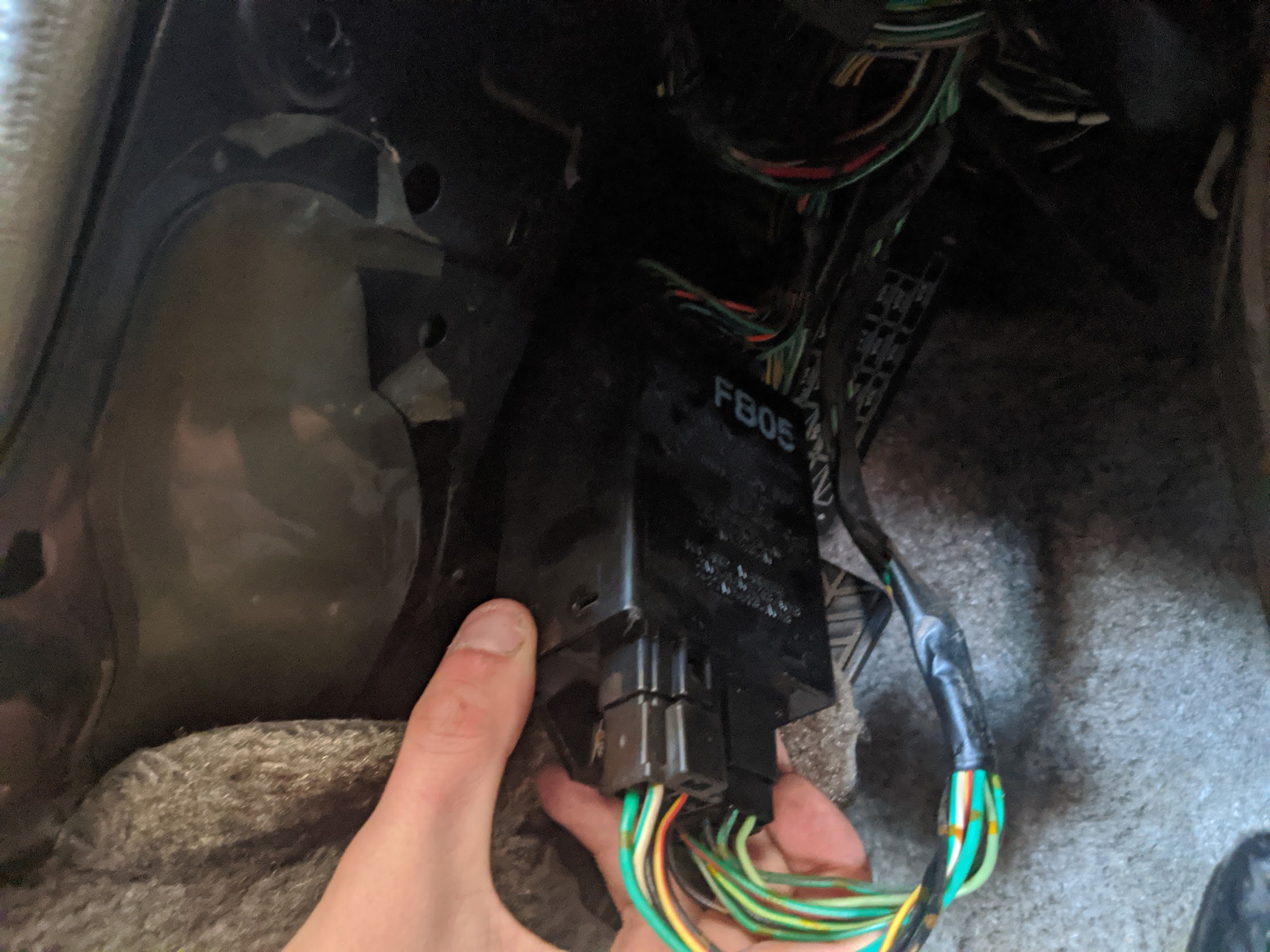
Lovely! We've just taken the CPU entirely out of the car!
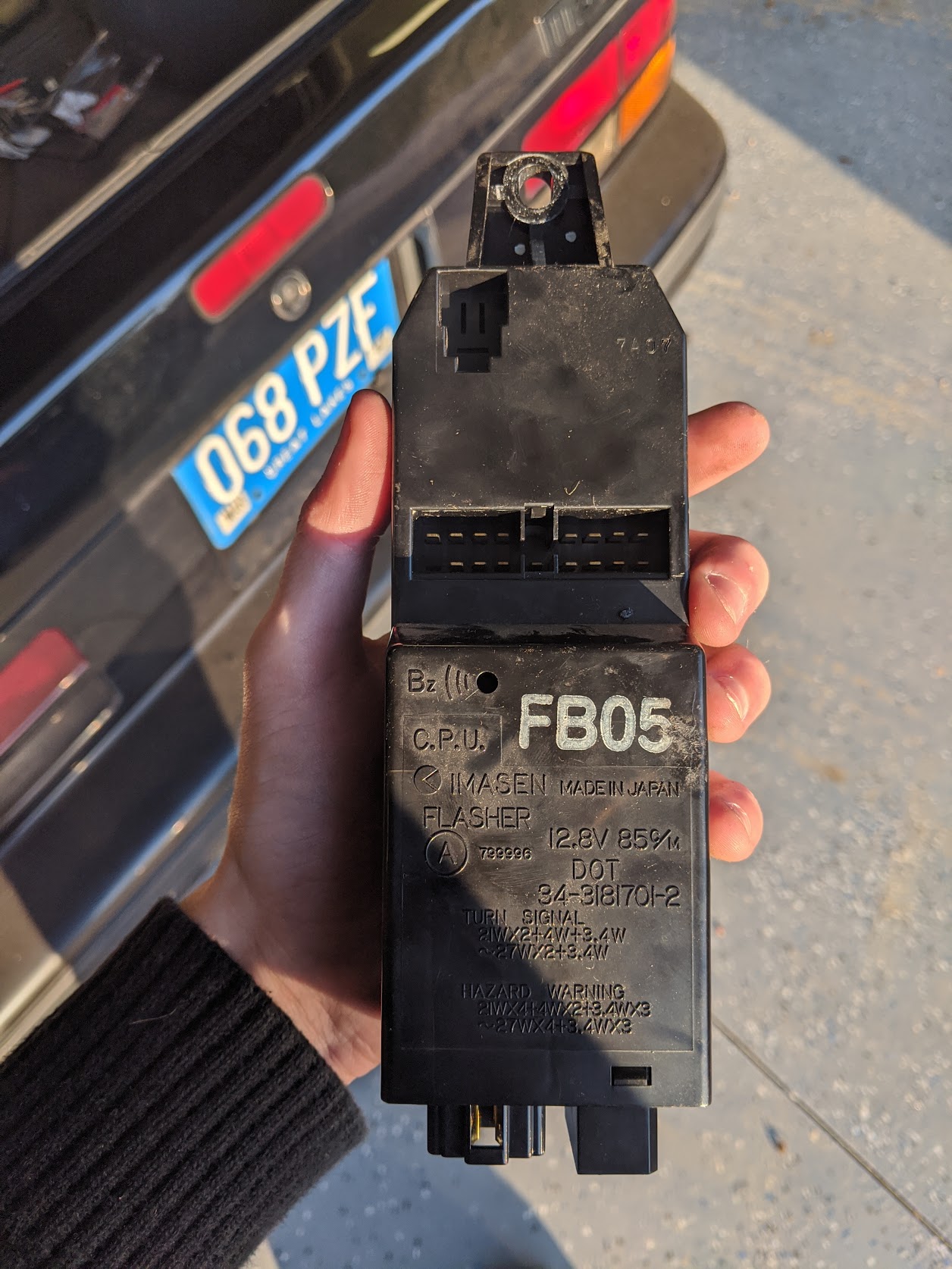
Step 2: Reveal the PCBs!
The PCBs are held in by, you guessed it, clips. First, remove the retaining screw. I have no idea why it's even here, this thing isn't coming accidentally apart
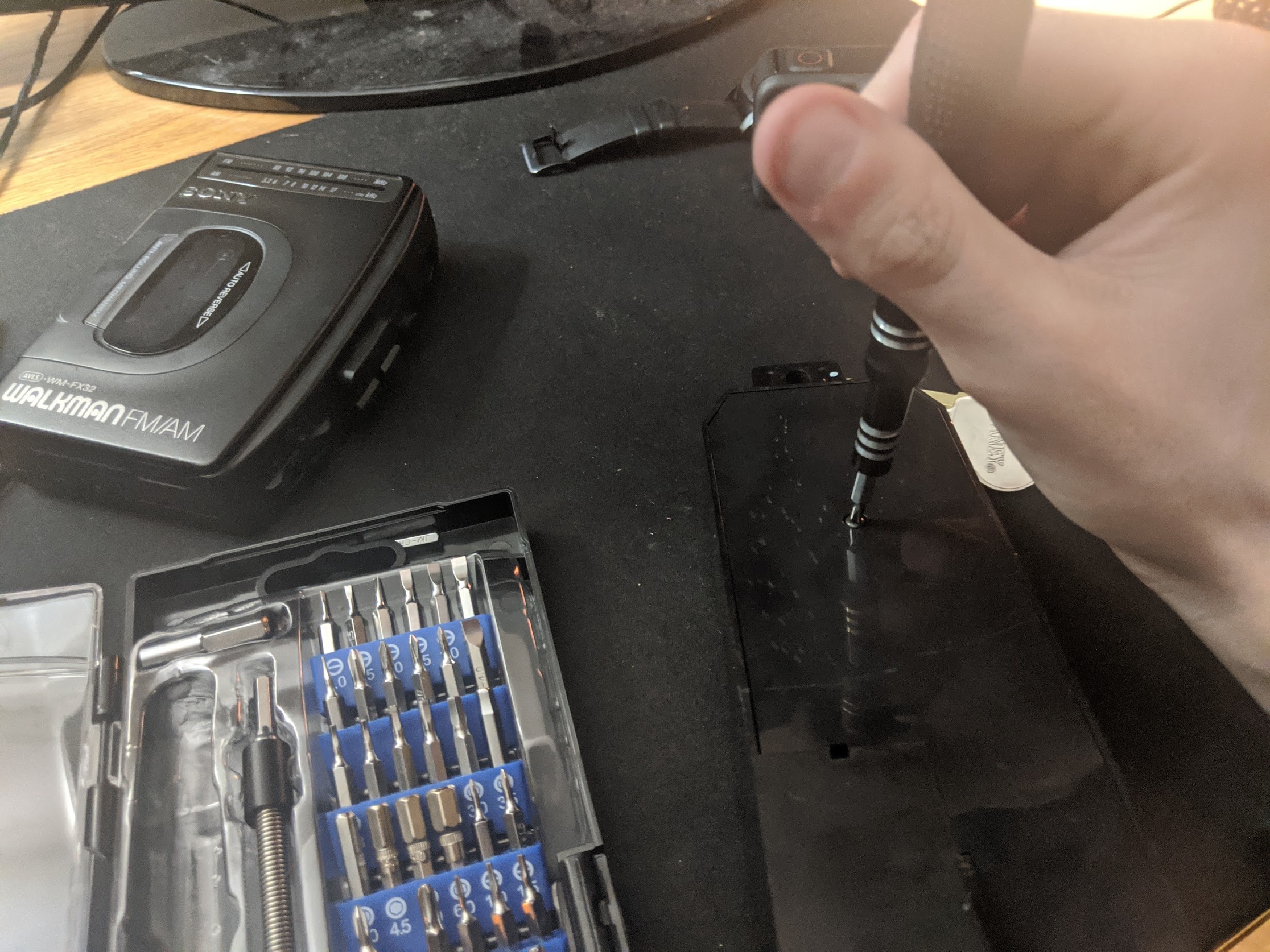
Next, pop open the top panel. I found it the easiest to use a spudger on the corners to separate the clips.
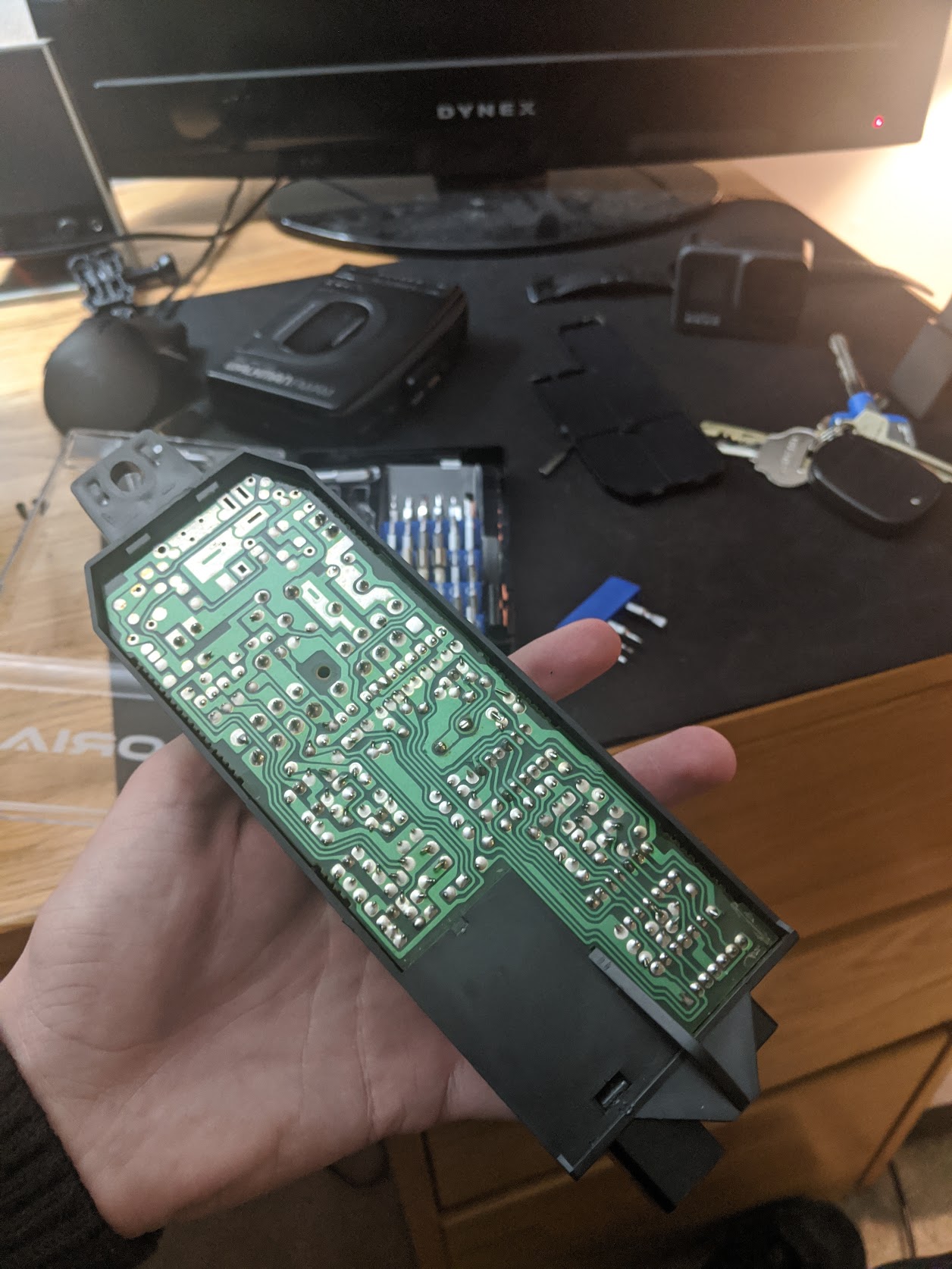
Finally, pull out the Brake and Flasher boards. These pull out from the bottom of the plastic, and are a pain in the arse to get off.

Great! Now all the boards should be free of their plastic prison!
Step 3: Solder Time
The main thing you need to look for is broken solder joints. 90% of the time, these are at the pins connecting the board to the car (outlined in red). Take a magnifying glass and look around all the joints on the board. If they are exceptionally dull, they are probably cold and might not be making good contact. If it has cracks around it, that means its broken.
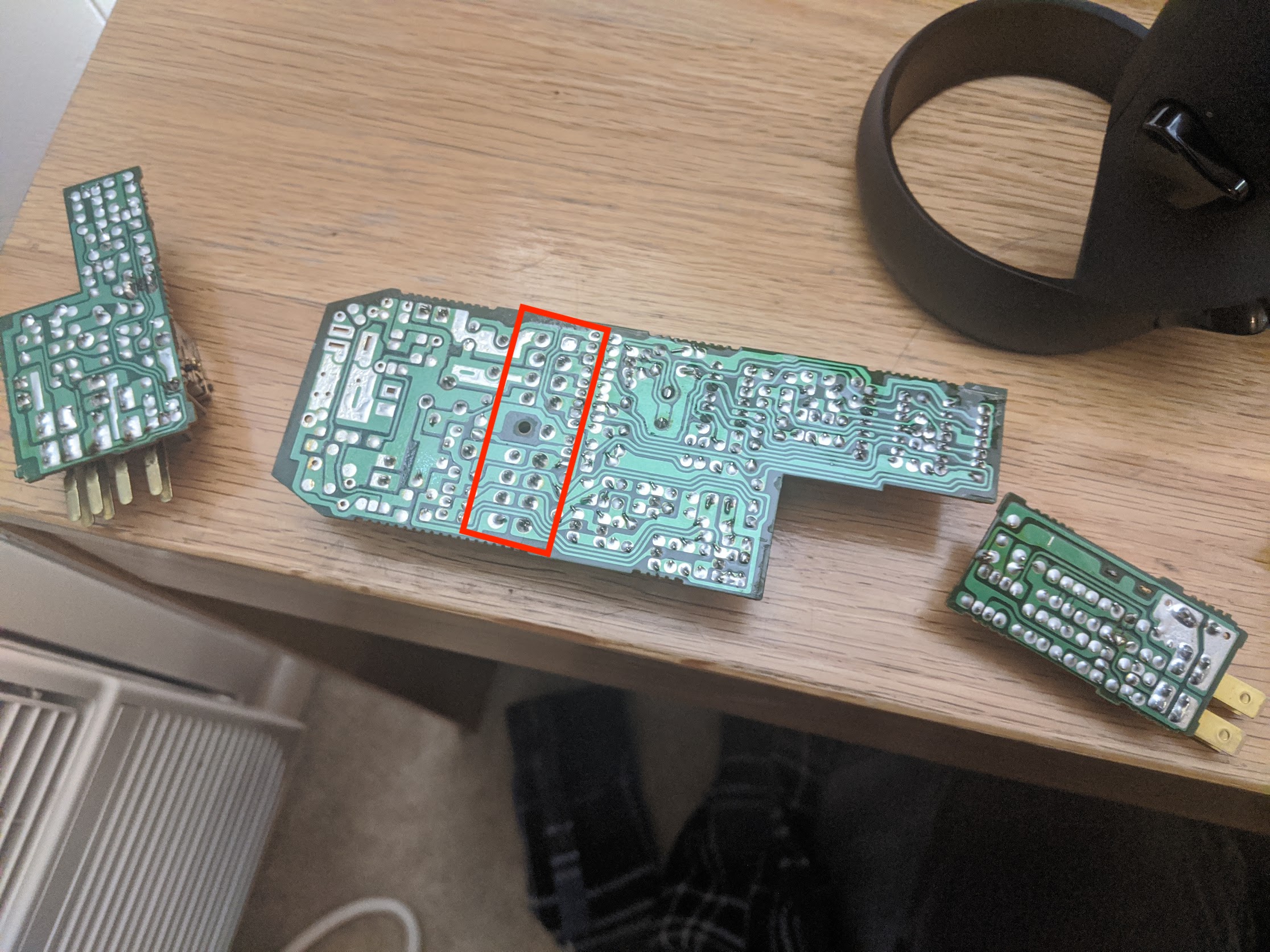
Really, all you need to do to fix this is reflow any super questionable joints. To do this, just take some solder wick and remove the old solder from the connection, and then apply new solder to the area. If you're unsure, it's a safe assumption to just do all the connections on the connector (even if they look fine).
After this, all you need to do is put it all back together and reinstall!
If you need any more help, email me at zeke@zekial.io. Thanks for reading!